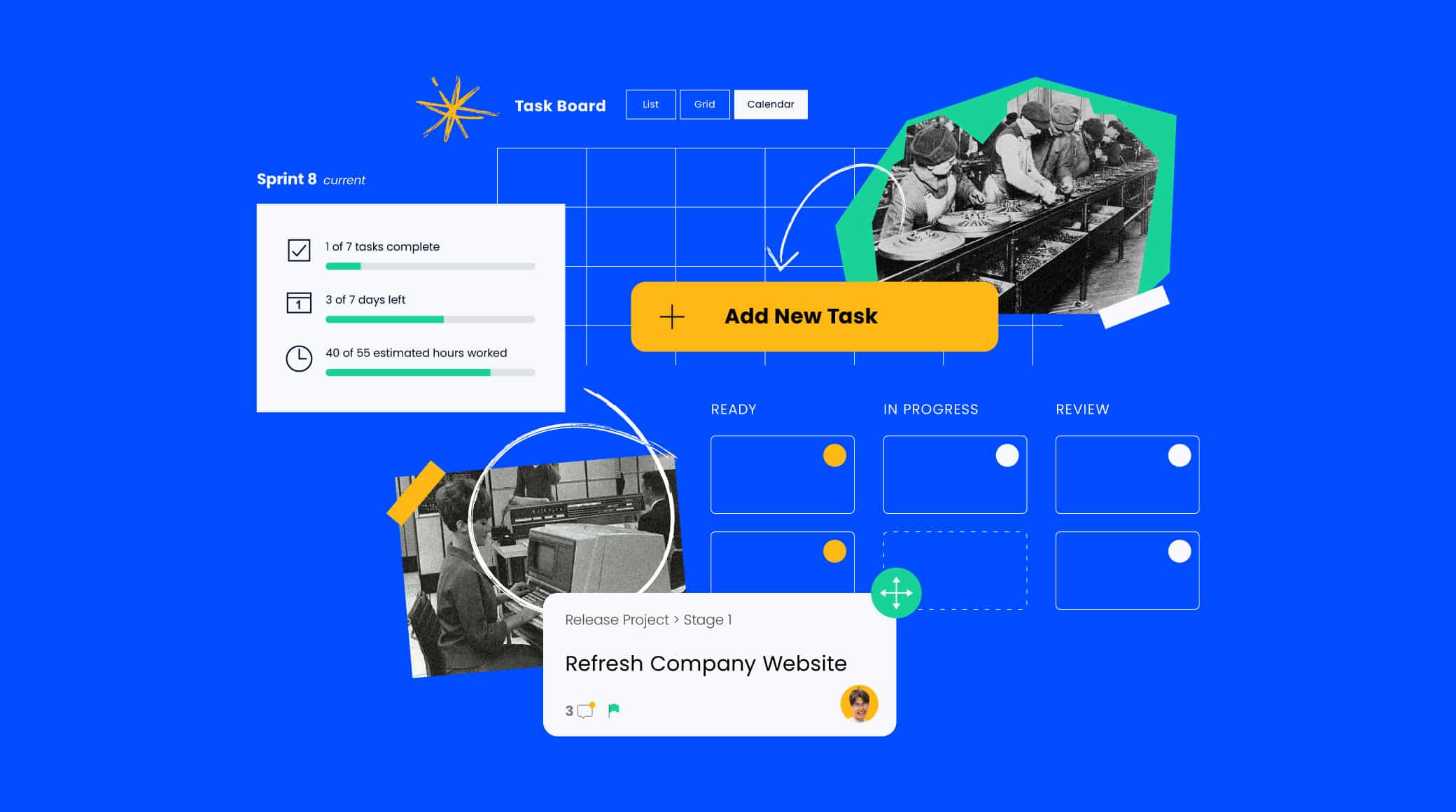
In today’s fast-paced, customer-centric business environment, speed and consistency are everything. Manual processes are no longer sustainable when it comes to managing relationships, nurturing leads, or closing deals. This is where workflow automation inside CRM systems comes into play. By automating repetitive tasks, businesses streamline operations, enhance customer experiences, and increase efficiency across departments.
This article explores how workflow automation within CRM platforms transforms the way businesses engage with customers, manage sales processes, and scale operations with precision.
1. What Is Workflow Automation in a CRM?
Workflow automation in a CRM refers to the use of rules and triggers to perform actions automatically without human intervention. These actions can range from simple tasks like sending emails to complex sequences involving lead nurturing, pipeline updates, or task assignments.
Modern CRM systems like Salesforce, HubSpot, Zoho CRM, Pipedrive, and Microsoft Dynamics 365 include built-in automation tools that allow users to:
- Automate communication with prospects and customers
- Assign tasks to team members
- Move deals through the pipeline
- Update contact records based on user behavior
- Trigger follow-ups based on set conditions
Workflow automation is about letting your CRM do the heavy lifting, so your team can focus on strategy and human connection.
2. Key Benefits of CRM Workflow Automation
a. Increases Operational Efficiency
Automated workflows eliminate manual, repetitive tasks such as data entry, follow-up emails, and record updates—freeing your team to focus on high-value activities.
b. Enhances Customer Experience
CRM workflows can trigger timely, personalized communication based on customer behavior, ensuring no lead or customer ever feels ignored or forgotten.
c. Improves Data Accuracy
Automation ensures that updates happen in real time, reducing errors caused by manual input and keeping your CRM data clean and reliable.
d. Shortens Sales Cycles
With automated lead routing, pipeline updates, and follow-ups, deals move faster through the funnel—improving close rates and revenue velocity.
e. Scales with Your Business
As your operations grow, workflow automation ensures your CRM scales effortlessly without increasing headcount or complexity.
3. Common Workflow Automation Examples Inside CRM Systems
a. Lead Assignment Automation
Automatically route incoming leads to the appropriate sales rep based on:
- Geography
- Industry
- Product interest
- Deal size
This ensures fast response times and maximizes conversion potential.
b. Follow-Up Sequences
Create automated sequences that send emails, assign tasks, or set reminders if:
- A lead fills out a form
- A proposal goes unopened
- A demo is scheduled
- A contact hasn’t responded in X days
These workflows help maintain momentum and prevent opportunities from slipping through the cracks.
c. Deal Stage Triggers
Automatically update deals when certain conditions are met:
- Move a deal to “Negotiation” when a proposal is sent
- Create a task for follow-up 3 days after a demo
- Mark a deal “Closed Won” when a contract is signed
This keeps your sales pipeline accurate and up-to-date in real time.
d. Onboarding Workflows
When a deal is closed, automate the customer onboarding process by:
- Sending a welcome email
- Assigning an onboarding manager
- Scheduling a kickoff meeting
- Adding them to your support system
This creates a seamless transition from sales to service.
e. Customer Retention Automation
CRM automation can proactively engage existing customers by:
- Sending renewal reminders
- Offering loyalty discounts after X months
- Triggering feedback surveys
- Notifying reps when engagement drops
These workflows help boost retention, satisfaction, and customer lifetime value.
4. Components of a CRM Workflow
Effective workflows typically consist of the following elements:
Trigger
The action or condition that starts the workflow, such as:
- New contact creation
- Form submission
- Change in deal stage
- A field being updated
Condition/Logic
Rules that determine what happens next, such as:
- If the contact is from North America
- If deal value is over $10,000
- If email was opened within 3 days
Actions
Automated steps that follow, including:
- Send an email
- Update a CRM field
- Assign a task
- Create a note
- Notify a team member
5. Popular CRM Platforms with Workflow Automation
Salesforce
- Use Process Builder or Flow Builder to create powerful automations.
- Ideal for complex, enterprise-grade workflows.
- Integration with marketing, support, and service clouds.
HubSpot CRM
- Offers intuitive drag-and-drop Workflow Builder.
- Excellent for marketing, sales, and customer service workflows.
- Easily integrates with email, landing pages, and lead scoring.
Zoho CRM
- Workflow automation based on triggers, actions, and conditions.
- Includes “Blueprints” for visualizing processes.
- Highly customizable and scalable.
Pipedrive
- Simple automation for smaller teams.
- Deal-based triggers with clear visual interface.
- Great for managing pipelines and follow-ups.
Microsoft Dynamics 365
- Strong integration with Microsoft tools.
- Supports automated workflows across sales, marketing, and service.
- Advanced AI and analytics capabilities.
6. Workflow Automation Best Practices
Start Simple
Begin with basic workflows like auto-assigning leads or sending welcome emails. Expand as your team becomes comfortable.
Keep It Customer-Centric
Always build workflows that add value to the customer, not just internal efficiency.
Test Before Deploying
Run simulations or pilot workflows to ensure they function properly without unintended consequences.
Monitor Performance
Use CRM analytics to track:
- Email open rates
- Task completion
- Lead response time
- Workflow success rate
Optimize workflows based on real-world performance.
Avoid Over-Automation
Don’t automate everything—some interactions need the human touch. Use automation to enhance, not replace, relationship-building.
7. Advanced Automation with CRM Integrations
CRM systems can be further enhanced by integrating with third-party tools like:
- Zapier: Connects CRMs with thousands of apps
- Slack: Receive CRM task and deal updates in real time
- Google Workspace / Microsoft Outlook: Auto-schedule meetings or sync calendars
- Mailchimp / ActiveCampaign: For email drip campaigns triggered by CRM events
- Jira / Asana / Trello: For creating project tasks based on CRM updates
These integrations extend the power of CRM automation across your entire tech stack.
Conclusion: Workflow Automation Is the CRM Superpower
The value of a CRM goes far beyond storing customer data—it lies in its ability to automate repetitive tasks, deliver personalized experiences, and accelerate business processes. Workflow automation helps businesses become more agile, scalable, and customer-focused.
From lead generation to onboarding, from task management to retention strategies, workflow automation inside CRM systems ensures that your team is always one step ahead—working smarter, not harder.
Start with small, strategic automations and evolve into a system that runs like clockwork, creating room for your people to do what they do best: build relationships and grow the business.